Overlay
Using our mobile app

How to pay in a cheque using our mobile app

App available to customers aged 11+ with compatible iOS and Android devices and a Channel Islands, Isle of Man, UK or international mobile number in specific countries.

Pay in cheques anytime with our mobile app

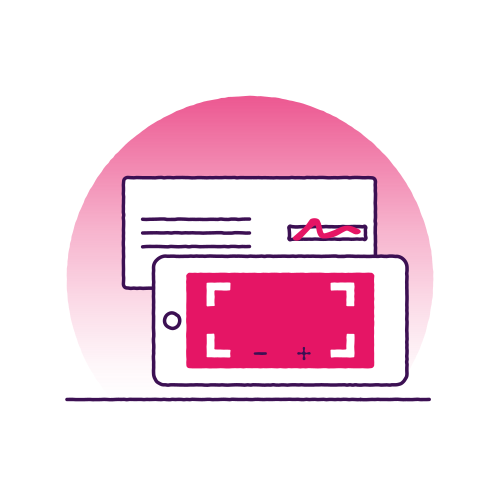
Deposit cheques whenever it suits you using our mobile app. Just take a photo of the cheque with your device's camera, and the app will capture the details to deposit the money into your account.

It’s secure, easy to use, and saves you a trip to a branch.

Information Message

How to pay in a cheque with the app

You can pay in up to £15,000 in total each day using the mobile app. We've put together a step-by-step guide to help you.

What you'll need

  • The latest version of the NatWest International app. If you don't have the app yet you can download the app now.
  • Your cheque(s) of up to £15,000 in total per day (maximum of £5,000 per cheque).

Your step-by-step guide

  1. Log in to our mobile app.
  2. Select the account that you want to deposit the cheque into.
  3. Select the ‘Deposit a cheque’ option.
  4. Under ‘Cheque amount’, enter the amount of the cheque and select ‘Continue’.
  5. Select ‘Take photo of your cheque’ and allow access to your camera.
  6. Follow the steps on-screen to capture images of both the front and back of the cheque (even if the back is blank) against a dark background.
  7. On the summary screen, review the details to check they have been captured correctly and select ‘Deposit now’.

When you submit a cheque on a bank holiday, we won't process it until the next working day. So if Monday is a bank holiday and you submit your cheque, you won't see the money available until Wednesday.

Common questions

Want to know more?

Further details of the ‘Deposit a cheque’ feature are available on our Support Centre including how to take an image of your cheque and potential error messages you could receive.

Download the app

Downloading the NatWest International app couldn't be easier, follow these three simple steps below.

  1. On your mobile or tablet, go to the App Store if using Apple or Google Play if using Android
  2. Search for ’NatWest International’
  3. Tap to download the app